Apartment Internet Near Baylor: What Gigabit Fiber, 5G Home Internet & "Included WiFi" Actually Mean

Your professor just dropped a 200-page PDF, your group project is on Zoom in ten minutes, your roommate is gaming on a 4K monitor, and you'd really like to stream the Bears game in the background. Welcome to a normal Tuesday night in a Baylor apartment — and the moment when you find out whether the internet at your building is actually any good.
If you're shopping for apartment internet near Baylor, the marketing copy doesn't help. Every complex says "high-speed WiFi included." Almost none of them tell you what speed, whether it's wired or wireless, or how many neighbors are sharing the same pipe. This guide breaks down what's actually available in Waco, what speeds you really need, and the questions to ask before you sign anything.
Waco's Internet Provider Landscape in 2026
Waco is unusually well-served for a city its size. There are four wired providers plus two cellular alternatives that all work in most apartments near Baylor.
AT&T Fiber
AT&T Fiber is the premium pick when it's on your street. Symmetrical speeds up to 5 Gbps (same up and down), no data caps, no contracts. Fiber coverage is around 44–57% of Waco depending on whose map you trust — south of campus near S 8th Street, S 10th, and Bagby Avenue is well covered. Pricing starts around $34/mo for the entry tier.
Spectrum
Spectrum is the most widely available wired option in Waco — roughly 72% of the city is in their footprint. Cable internet, not fiber, but speeds run from 100 Mbps up to 1 Gig. No data cap, no contract, free modem. Entry pricing is around $30/mo for 100 Mbps. This is the workhorse provider for most off-campus Baylor renters.
Pavlov Media
Pavlov Media is the student-housing fiber specialist you've probably never heard of. Symmetrical 8 Gbps fiber, very competitive pricing, and they often wire entire complexes as the building-wide provider. Footprint in Waco is only about 10% of the city, but where they exist, the speed is excellent.
Optimum and Cellular 5G Home Internet
Optimum reaches 8 Gbps in some Waco zip codes but coverage is patchy. T-Mobile and Verizon 5G Home Internet cover 60%+ of Waco and are great backup options — plug-and-play, no contract, useful if you're subleasing, doing a short-term lease, or your building's "included" internet turns out to be unusable. Speeds typically run 100–300 Mbps in Waco.
What Internet Speed Do You Actually Need?
The number on the marketing brochure rarely matches what you experience. Here's what actually matters for the things Baylor students do:
- Zoom for class: ~5 Mbps minimum, 20–25 Mbps for clean group calls with screen sharing
- 4K streaming (Netflix, YouTube, Apple TV+): 25 Mbps per stream
- Gaming (Xbox, PlayStation, Steam): Download speed barely matters — 25 Mbps is plenty. What matters is latency under 30ms and low jitter. This is where shared apartment WiFi fails hardest.
- Big file downloads (research datasets, video editing assignments): This is where fiber's symmetrical upload speeds save you hours
The household math: Two roommates each on Zoom while a third streams 4K = ~75 Mbps minimum. Four roommates with overlapping use easily justifies 300–500 Mbps. Anything under 100 Mbps for a 3- or 4-bedroom is going to hurt during finals week.
The "Included Internet" Question (and Why You Should Ask Hard)
Here's the part nobody talks about. When a property advertises "high-speed WiFi included," it can mean three very different things:
1. Property-wide shared WiFi. A single ISP plan covers the entire complex; you log into a building network. This is the worst-case scenario. Real-world speeds drop sharply at peak hours (6–11 p.m.) when everyone is streaming. Gaming is often unplayable. Your traffic is visible to the property's network admin. Some complexes throttle to 10–25 Mbps per device.
2. Per-unit included internet on a shared backbone. Each apartment gets its own WiFi network and assigned bandwidth, but the building's fiber backbone is shared. Better, but still subject to bandwidth bottlenecks during peak hours.
3. Per-unit dedicated line. Your apartment has its own service from an outside ISP — same as renting a house. Best performance, full control. You can usually upgrade if you want more speed.
Before you sign a lease, ask the leasing agent these four questions:
- Is the included internet a dedicated line to my unit or building-wide WiFi?
- What's the speed cap per apartment, per device, or both?
- Can I bring my own ISP if I want faster service?
- Who do I call when WiFi goes down — the property or the ISP?
If they can't answer these clearly, you're probably looking at building-wide WiFi with shared bandwidth.
What "Included" Costs Look Like at Other Baylor-Area Complexes
The dirty secret of "all bills paid" pricing is that internet is usually the lowest-margin add-on, so complexes either skimp on it or charge a separate fee. Common patterns near Baylor:
- "Tech package" $50–$80/mo: Internet + cable bundle, often capped at 100 Mbps shared
- "Resident WiFi" $25–$45/mo mandatory: Building-wide WiFi with limited speed
- No included internet: You set up your own with AT&T, Spectrum, or 5G Home — typically $30–$75/mo
- Truly included: Internet baked into a flat facilities fee with no separate line item
For a full breakdown of how monthly fees stack up near Baylor, the apartment fees guide walks through every line item the average resort-style complex tacks on.
Internet at 19Eleven: Included in the Flat Facilities Fee
At 19Eleven, internet is bundled into the same flat monthly facilities fee that covers trash, pest control, and building services — not billed as a separate "technology package." There's no surprise add-on after you sign, and no mandatory $50/mo "tech bundle" stacked on top of rent.
A few things worth knowing about how it works here:
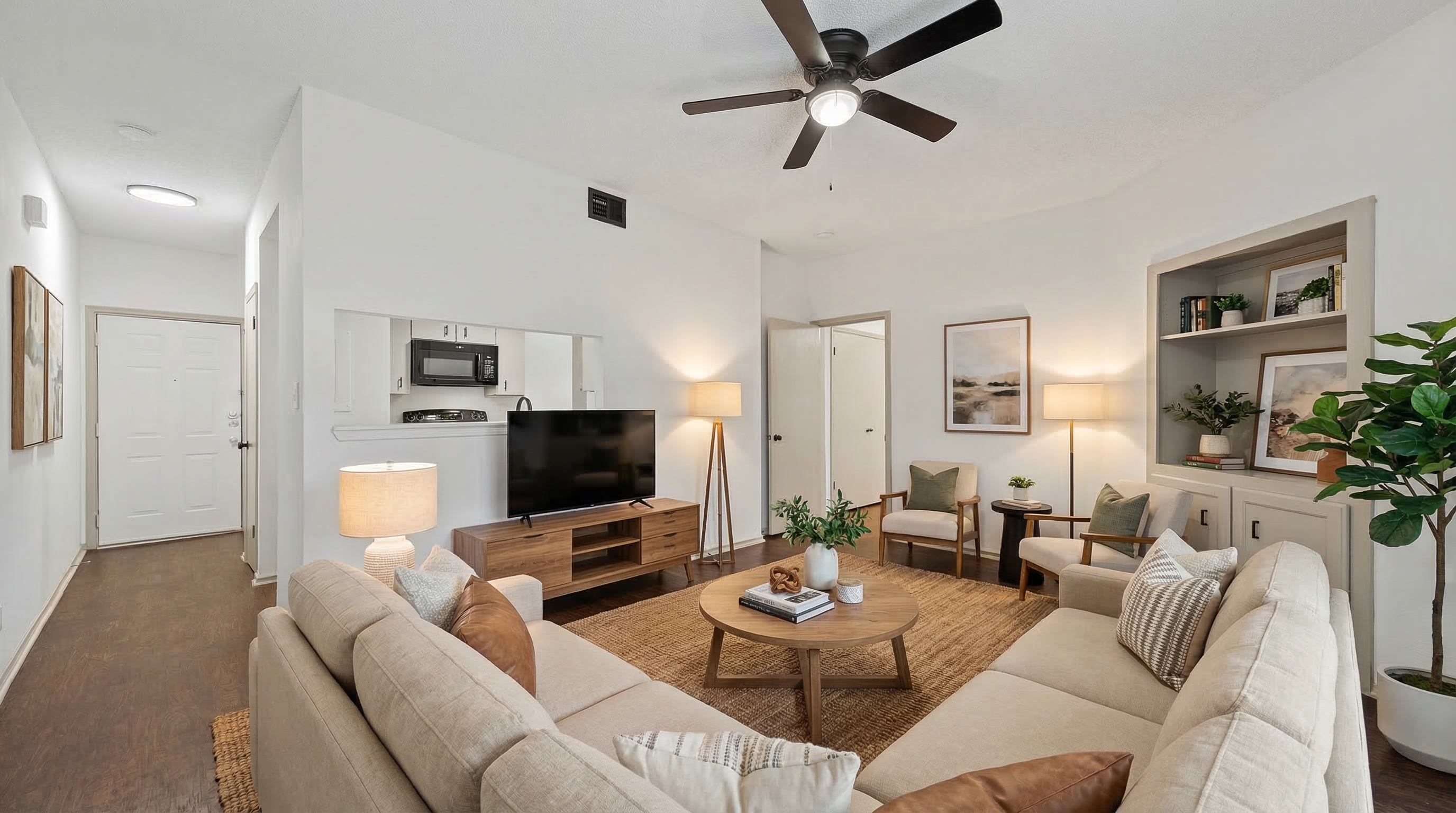
- Coverage extends through every unit, including the bedrooms in larger 3- and 4-bedroom floor plans
- The signal is built to handle a fully occupied building during peak hours — important for Sunday-night-before-Monday-classes when everyone is on Zoom or streaming at once
- If you want to upgrade to a personal ISP for gaming or heavy uploads, you can install your own AT&T Fiber or Spectrum line in addition
The reason this matters: at most Baylor-area complexes, "all-in" rent before internet looks competitive — and then the $50–$80/mo internet fee shows up and the math changes. A 4-bedroom that's $750/person plus $20 internet per person is a real $770/mo. A 4-bedroom that's $760/person with internet truly included is exactly $760/mo. Always run the comparison on the final number, not the headline.
A Note for Out-of-State and International Students
If you're moving to Waco from somewhere with universal gigabit fiber (looking at you, suburban Dallas and Austin), Texas internet outside the metros varies wildly block by block. A few practical tips:
- Check before you sign. Punch the exact apartment address into BroadbandNow's Waco directory to see real coverage, not advertised coverage.
- Don't trust national averages. A complex on Bagby Avenue and a complex two miles south on James Avenue can have completely different fiber availability.
- Have a backup plan. T-Mobile or Verizon 5G Home Internet can be set up the day you move in if your building's "included" WiFi turns out to be unusable. It's $50/mo and you can cancel anytime.
When Internet Actually Decides Your Apartment Choice
For most Baylor students, internet is a "make sure it works" decision rather than a "primary differentiator." But for a few groups, it should be near the top of the list:
- Engineering, computer science, and film/digital media majors running heavy software or uploading large files
- Graduate students and online program students doing 6+ hours of video coursework daily
- Esports players and content creators who need low-latency wired connections
- Roommate groups of three or four where everyone is on the network simultaneously
If you're in one of those groups, take an extra fifteen minutes during your tour to ask the agent to run a real speed test on the in-unit WiFi. The apartment tour checklist has the full walk-through script.
Bottom Line
"WiFi included" is one of the most overpromised lines in apartment marketing. The actual quality of your internet at a Baylor-area complex depends on whether it's a dedicated line, what the building backbone is, and how many neighbors are sharing it during peak hours. Ask the four questions above before you sign anything.
If you'd rather not roll the dice, 19Eleven includes real internet in the flat monthly facilities fee — no separate tech package, no peak-hour surprises. Take a look at the 3- and 4-bedroom floor plans where the bandwidth math gets most stressful, compare what other Baylor-area complexes include, or schedule a tour and ask us to run a speed test in the unit you're considering.